-
English


A flexible LED screen should show a smooth and consistent image across the entire display. However, during installation or after long-term use, you may notice that one module looks darker, a curved section has a visible brightness difference, or several areas do not match the rest of the screen.
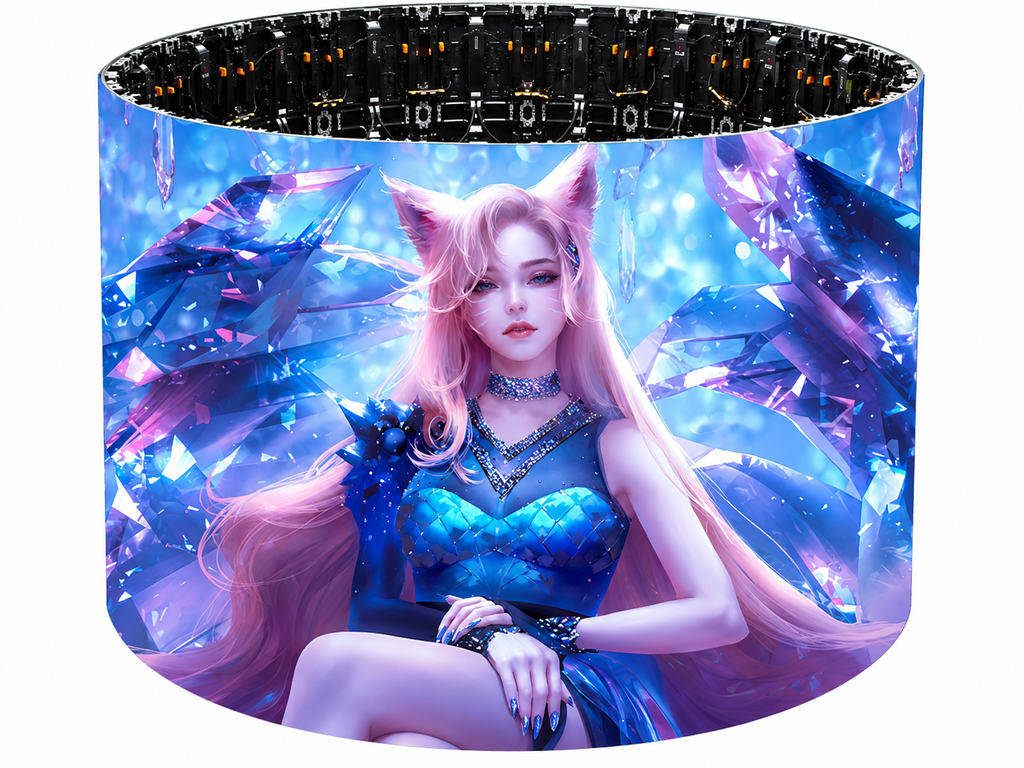
Uneven brightness does not always mean that the LED module is damaged. The problem can come from power distribution, module connections, control settings, calibration, LED aging, or even the way the flexible modules are installed on a curved structure.
The important thing is to find the cause before replacing parts.
Before checking cables or removing modules, display several simple test images.
Start with full white, then test red, green, blue, and gray. A white image makes general brightness differences easier to see, while RGB tests can help identify whether the problem is related to a specific color channel.
Pay attention to the shape of the dark area.
If only one LED pixel is abnormal, the problem may be local. If an entire module is darker, check its power and connection first. If several modules in the same section are affected, the power supply or signal path becomes a more likely cause.
This simple test helps avoid unnecessary module replacement.
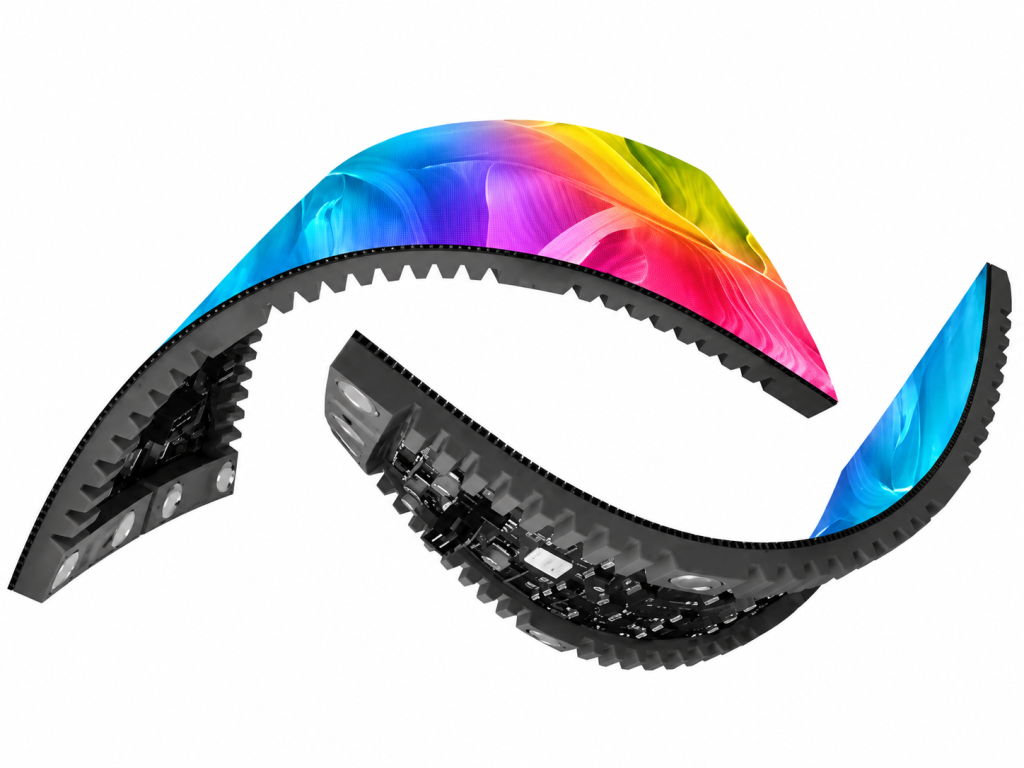
This is especially important for a flexible LED screen.
Unlike a standard flat LED cabinet, flexible modules are designed to follow curved surfaces, columns, arcs, and other custom structures. The installation condition therefore becomes part of the troubleshooting process.
If possible, compare the screen when the module is relatively flat and when it is installed at its required curve.
Ask a simple question:
Does the brightness problem appear or become more obvious after bending?
If the screen looks normal when flat but develops a darker area after installation, inspect the module connection, mounting pressure, magnets, cables, and curved structure.
Do not force a flexible module beyond its specified bending range. Excessive mechanical stress can affect installation stability and may eventually damage components or connections.
For projects involving curved walls or unusual structures, a properly engineered Custom Indoor LED Display also helps keep the modules correctly aligned.
Power problems are another common reason for uneven brightness.
LED modules require stable voltage. If the voltage reaching one section is lower than the rest, that area may appear dimmer, especially when displaying bright content.
Check the power cable, connector, power supply, and distribution path. Look for loose terminals, damaged cables, overheating, or poor connections.
It is also useful to measure voltage near the power input and at the modules farther away from it. A noticeable voltage drop can indicate that the cable length, cable size, connector, or power distribution needs attention.
Good power design is important not only for brightness uniformity but also for an Energy Saving Indoor LED installation that needs stable long-term operation.
A flexible display usually consists of multiple modules. If only one module is darker than the surrounding area, inspect its connections before assuming the LEDs themselves have failed.
Turn off the power before handling hardware.
Check whether the power connector and signal cable are properly seated. Also inspect the affected module for physical damage or unusual heat.
Where the product design and maintenance procedure allow it, technicians can test the suspected module in another known-good position.
If the brightness problem moves with the module, the module itself becomes the main suspect.
If the problem remains in the original position, investigate the power, receiving card, cable, or configuration associated with that position.
This is much faster than replacing several parts at random.
Hardware is not always responsible.
Sometimes one receiving-card area or group of modules is using different configuration parameters. Check the LED control software and make sure brightness, RGB values, grayscale settings, receiving-card parameters, and configuration files are consistent across the screen.
This becomes particularly important for a High Refresh Indoor LED display used for video production, events, or camera shooting.
A high refresh rate improves on-camera performance, but refresh rate and brightness uniformity are different issues. Changing refresh settings alone will not repair a faulty power connection or damaged module.
If an older flexible LED screen has recently received replacement modules, the new modules may look brighter than the original ones.
LED output gradually changes with operating time. Different LED batches can also have small differences in brightness or color characteristics.
This is why a new module should ideally match the specifications and characteristics of the existing screen.
For installations such as a Retail Indoor LED Screen, even a small difference may become noticeable because viewers often stand close to the display.
In this situation, calibration may be required to improve visual consistency.
Calibration is useful, but it should not always be the first step.
If one section is dark because of low voltage, a loose connector, or an abnormal module, calibration only masks the symptom. The actual fault remains.
A better diagnostic order is:
Test Image → Bend Check → Connection Check → Voltage Test → Module Test → Control Settings → Calibration
This sequence separates physical problems from software and LED consistency issues.
The goal of calibration should be to fine-tune a healthy display, not compensate for faulty hardware.
Good installation can prevent many brightness problems.
Keep modules within their recommended bending range, provide stable power distribution, avoid excessive pulling on cables, and make sure every module is installed evenly on the supporting structure. Regular inspection is also useful for displays operating for long hours.
For applications that require a smooth curved surface, correct module alignment is especially important. Similar to a Seamless Indoor LED Wall, small differences between sections can become visible when displaying large areas of a single color.
TOOSEN flexible LED displays are designed for curved and creative installations, with different pixel pitches and modular configurations available for indoor and outdoor applications. The product range supports refresh rates from 3840Hz to 7680Hz and can be customized for different project structures.
Explore TOOSEN Flexible LED Displays
Uneven brightness on a flexible LED screen should be diagnosed step by step.
First identify whether the problem follows a pixel, module, power section, or curved area. Then check bending conditions, connections, voltage, control settings, and module differences. Calibration should come later, after hardware problems have been ruled out.
Finding the real cause not only restores image uniformity but can also prevent repeated failures and unnecessary replacement costs.
+86 18688923792
+86-755-23312336
4th Floor, Building B, Zhonghe Building, Taiwan Industrial Zone, 2132 Songbai Road, Shiyan Street, Bao'an District, Shenzhen.


Emall us with any questions or inquiries or use our contact data.We would be happy to answer your questions.
Toosen Professional Manufacturer of led sphere display,led screen globe,led ball display,spheric led screen,spherical led display, Led Special-shaped LED manufacturer, LED factory,Manufacturers & Suppliers,Factory & Exporters. Looking forward to your cooperation.
Copyright © 2010-2026 Toosen LED All Rights Reserved
Theme by WordPress